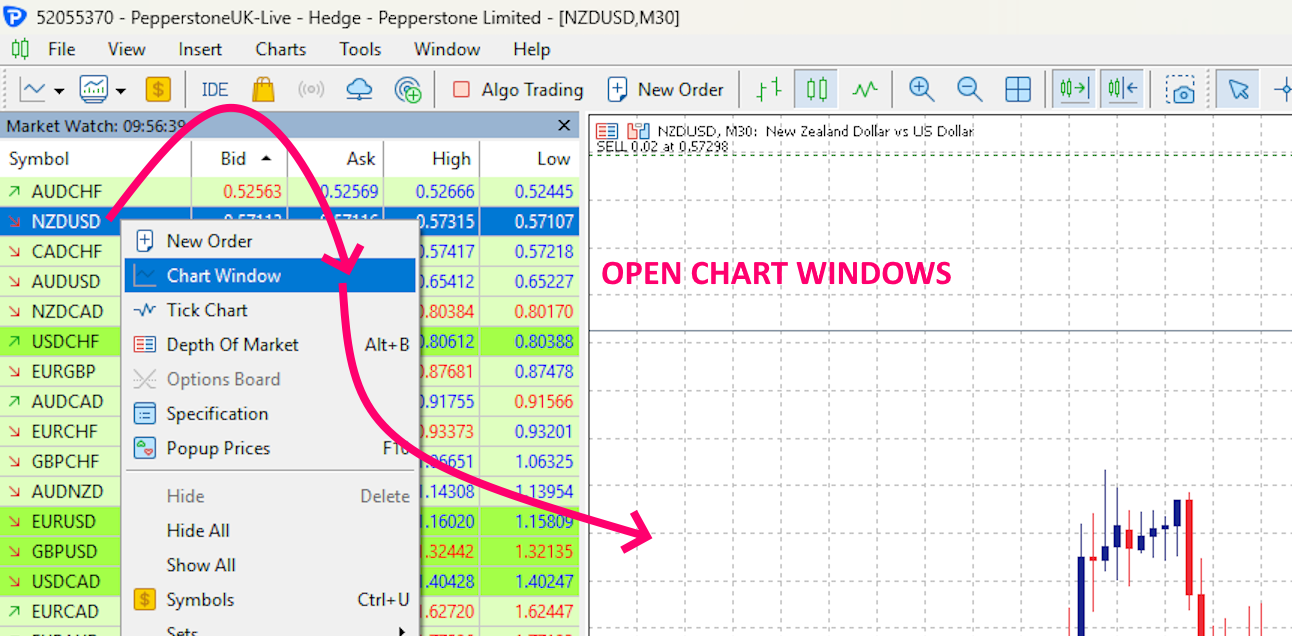
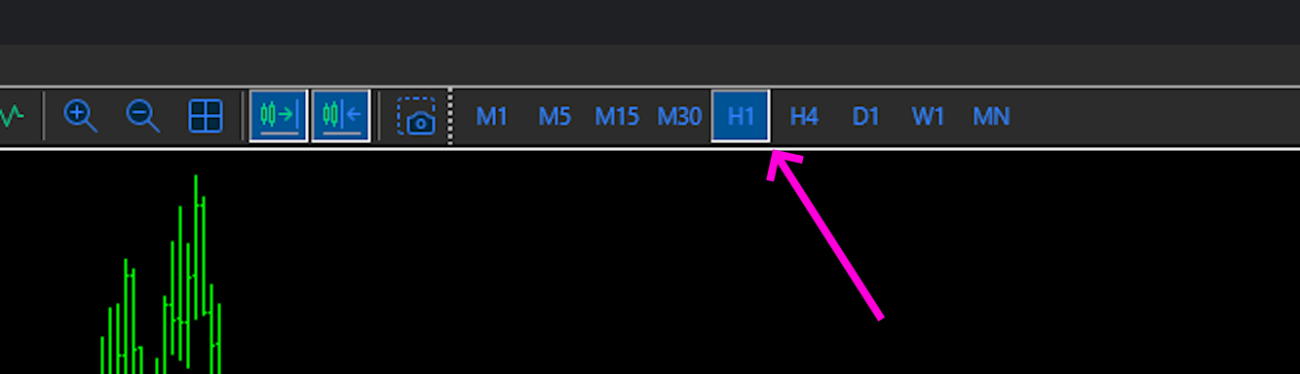
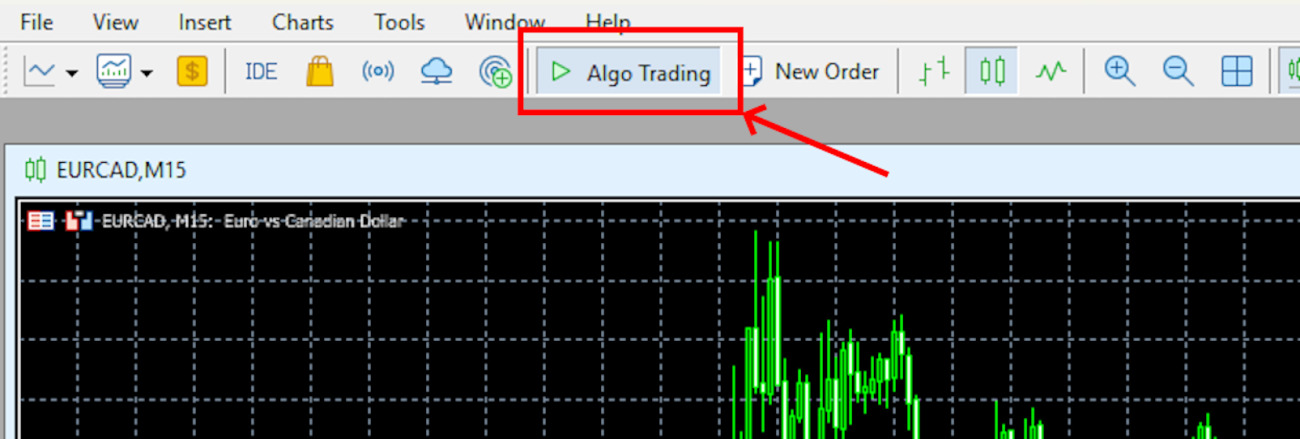
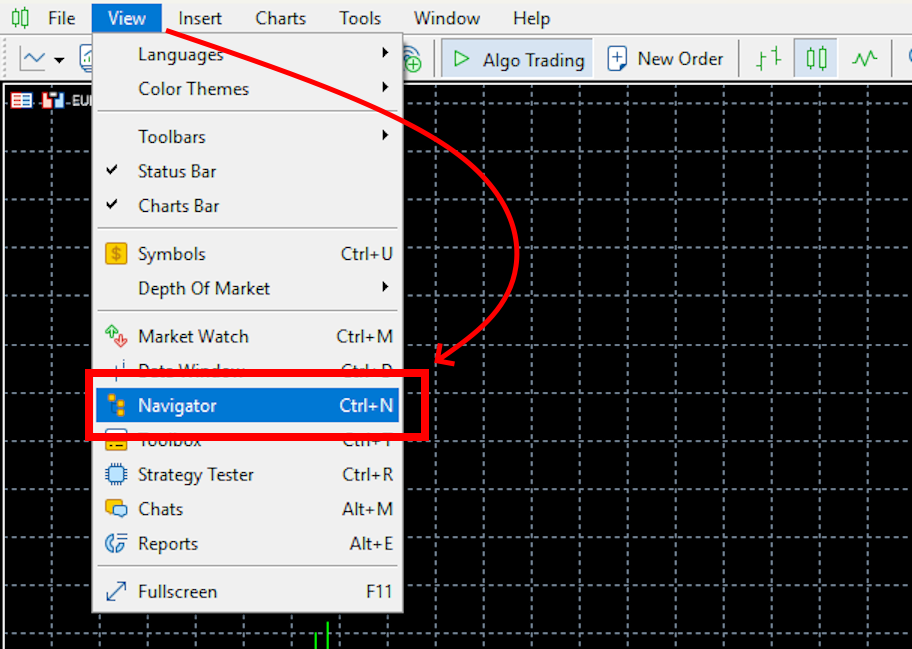
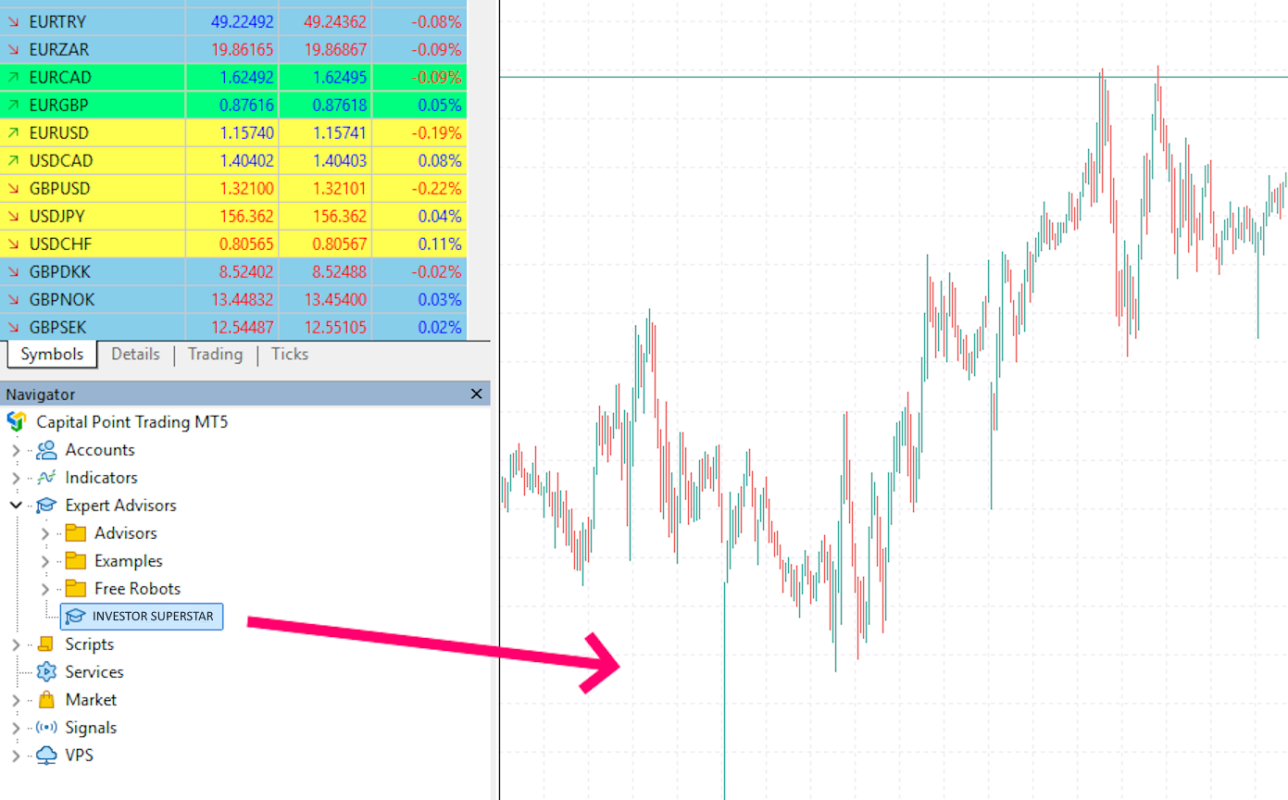
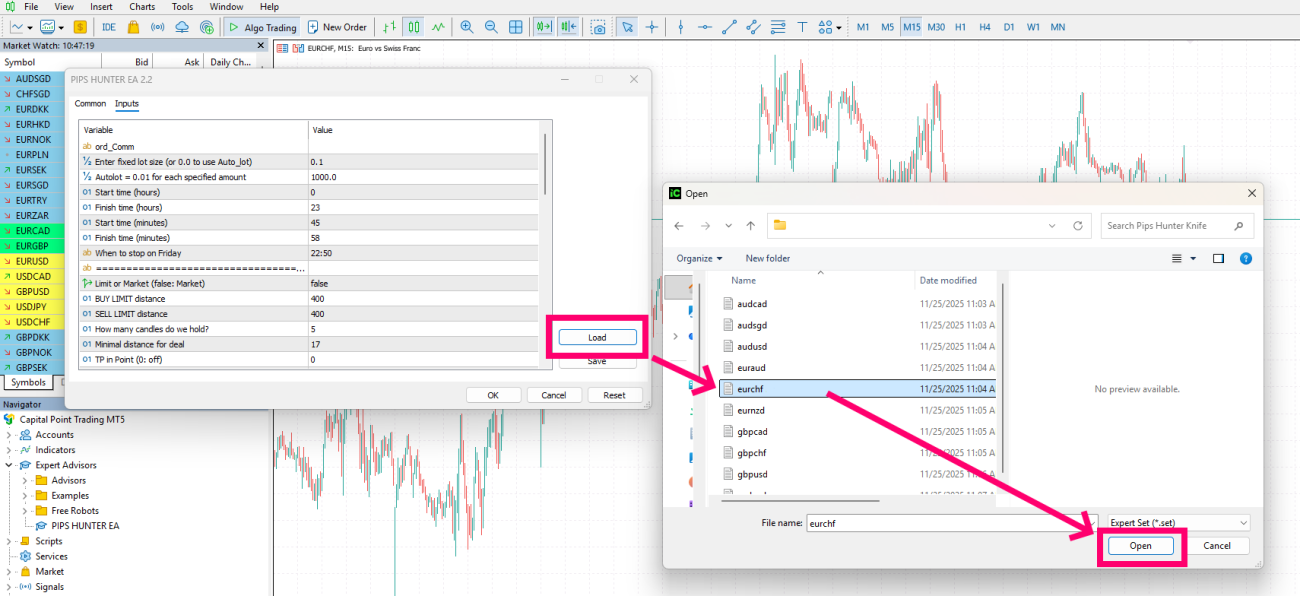
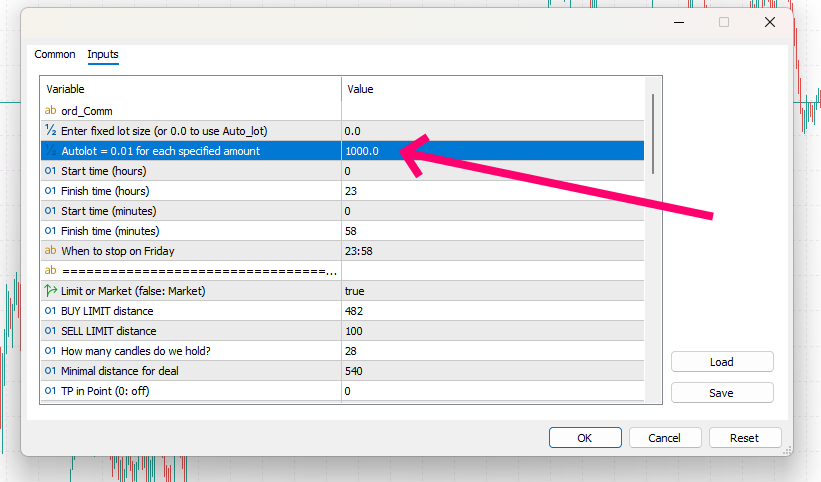
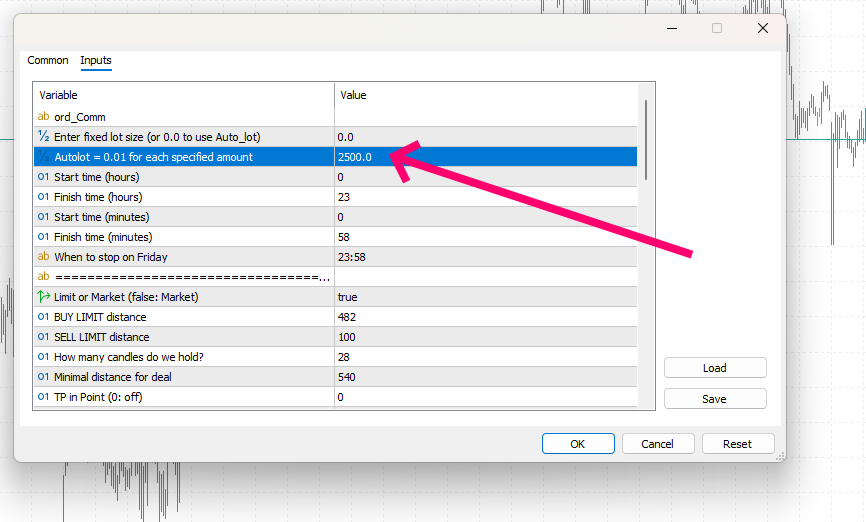
Please keep in mind that the INVESTOR SUPERSTAR EA must be configured individually for each trading instrument. For this purpose, I have prepared dedicated set files for every asset.
If you haven’t downloaded the configuration files yet, scroll to the top of this guide and use the download link. The files are provided in a standard ZIP archive, which you need to extract.
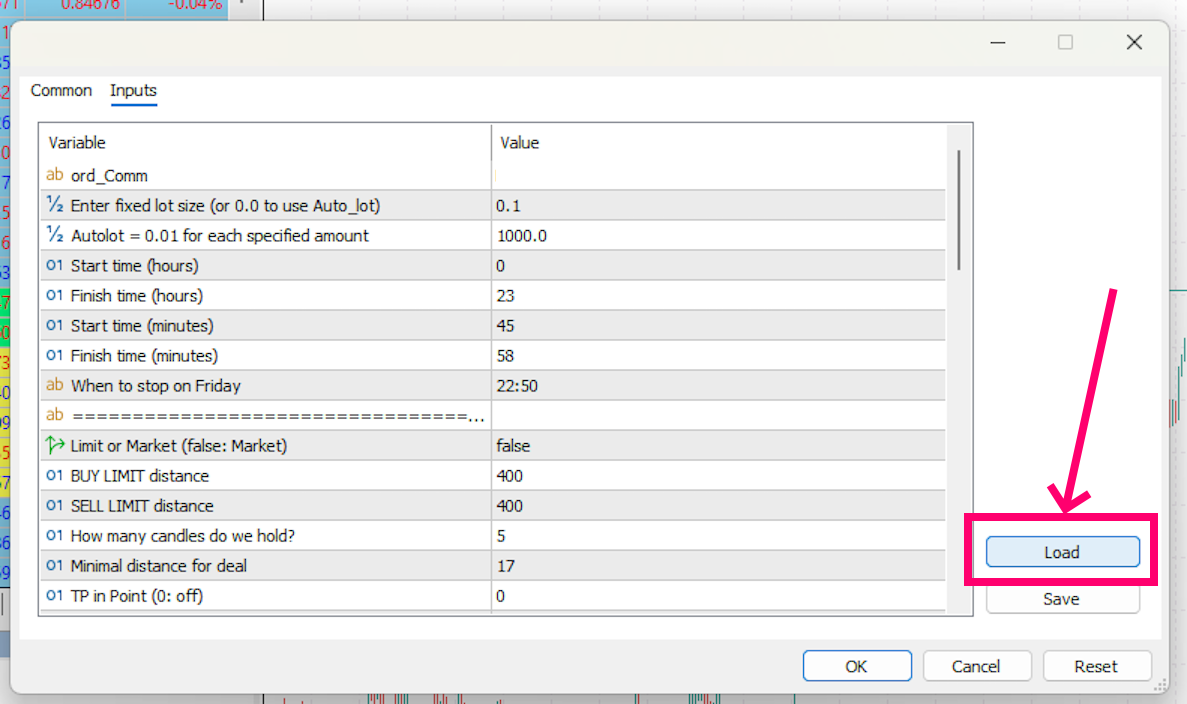
After attaching the EA to a chart, the settings window will open automatically. To apply the required configuration, simply click the “Load” button and select the appropriate set file.